Views 47
Total number of visits to this product
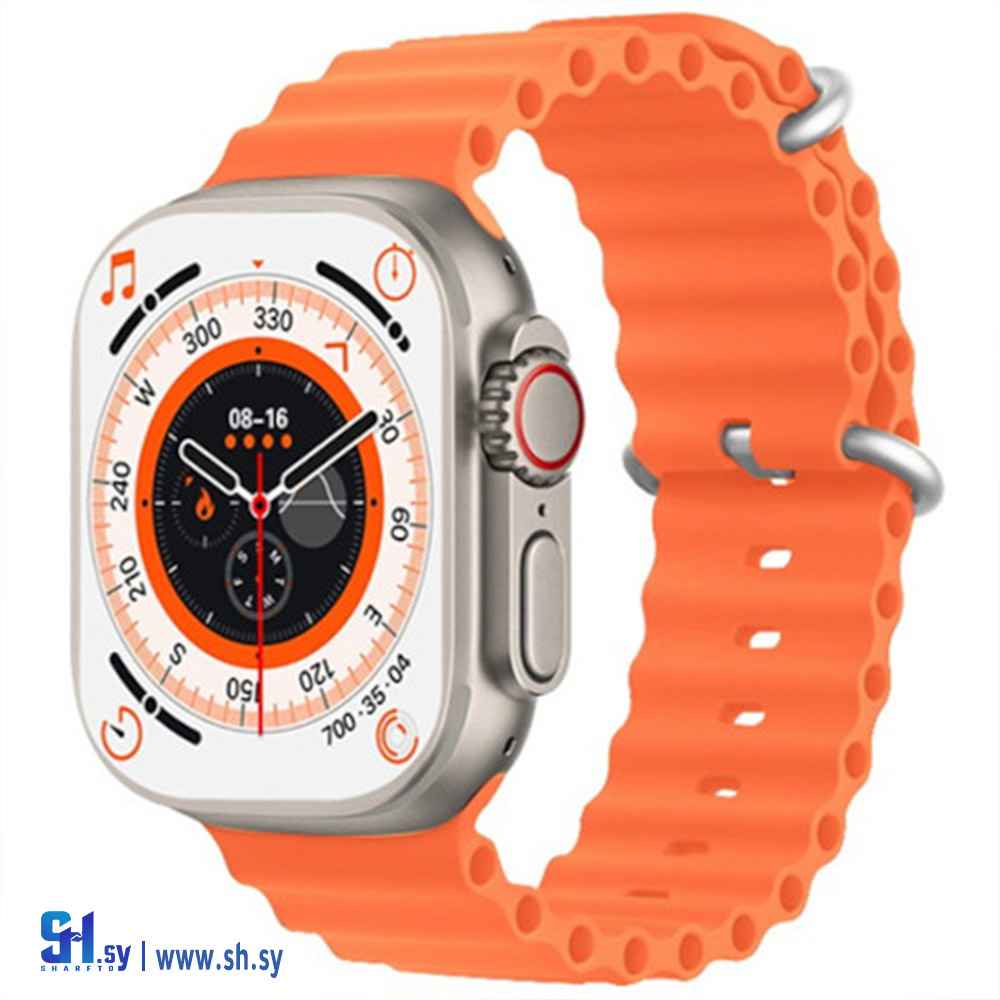
T800 Ultra Series 8 Smart Watch (Zeus Technology Center)
T800 Ultra Series 8 Smart Watch with Wireless Charging - Orange
Pricing Tiers
Send an order to know final price and negotiation details
Price available on order

Technical Specifications
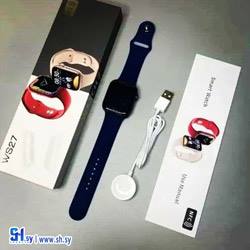
Contents of the watch
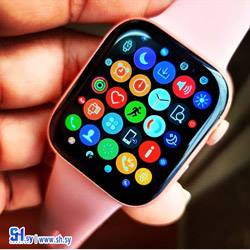
Multi-language, custom watch face, breathing exercise, message reminder, call rejection, time alarm, mobile phone rotating button, music control, remote camera, stop watch, countdown, waterproof, find mobile phone, weather forecast, .
How to use bluetooth calling
The Bluetooth calling function requires dual Bluetooth signal support, so you need to connect twice according to the instructions: scan the QR code on the manual through the mobile phone browser, download the dedicated APP, and then turn on BT on the mobile phone. Find and connect your Ola eSporte device in the app. Confirm pairing Search for the device in the mobile phone's Bluetooth (check the device name on the watch to check the device information), then select Connect and pair
Support Bluetooth calls
Sync frequently used contacts on mobile phone. So you can just use the watch to make and answer calls.
Similar Products
You might also be interested in these products
Add to wishlist
Similar Products
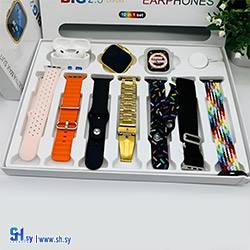
i20 ultra max suit smart watch 10in1 (sinbad syria)
Min Order
1 Piece
45.65 ل.س
Add to wishlist
Similar Products
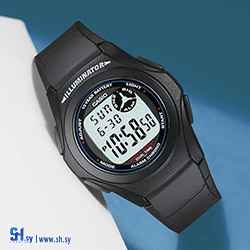
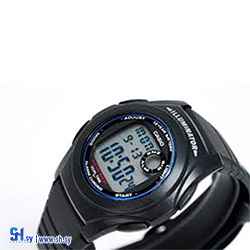
F-200W-1ADF Casio G Series Digital Watch (CASIO)
Min Order
1 piece
373 ل.س
Add to wishlist
Similar Products
Crochet hook (Al Amal Handicrafts)
Min Order
1 piece
Price on order